
Ballroom
A three-level Unity arena shooter where players defeat turrets, break the chasers’ protection, and collect a key to reunite two voxel characters.
Clear the floor.
Bring them together.
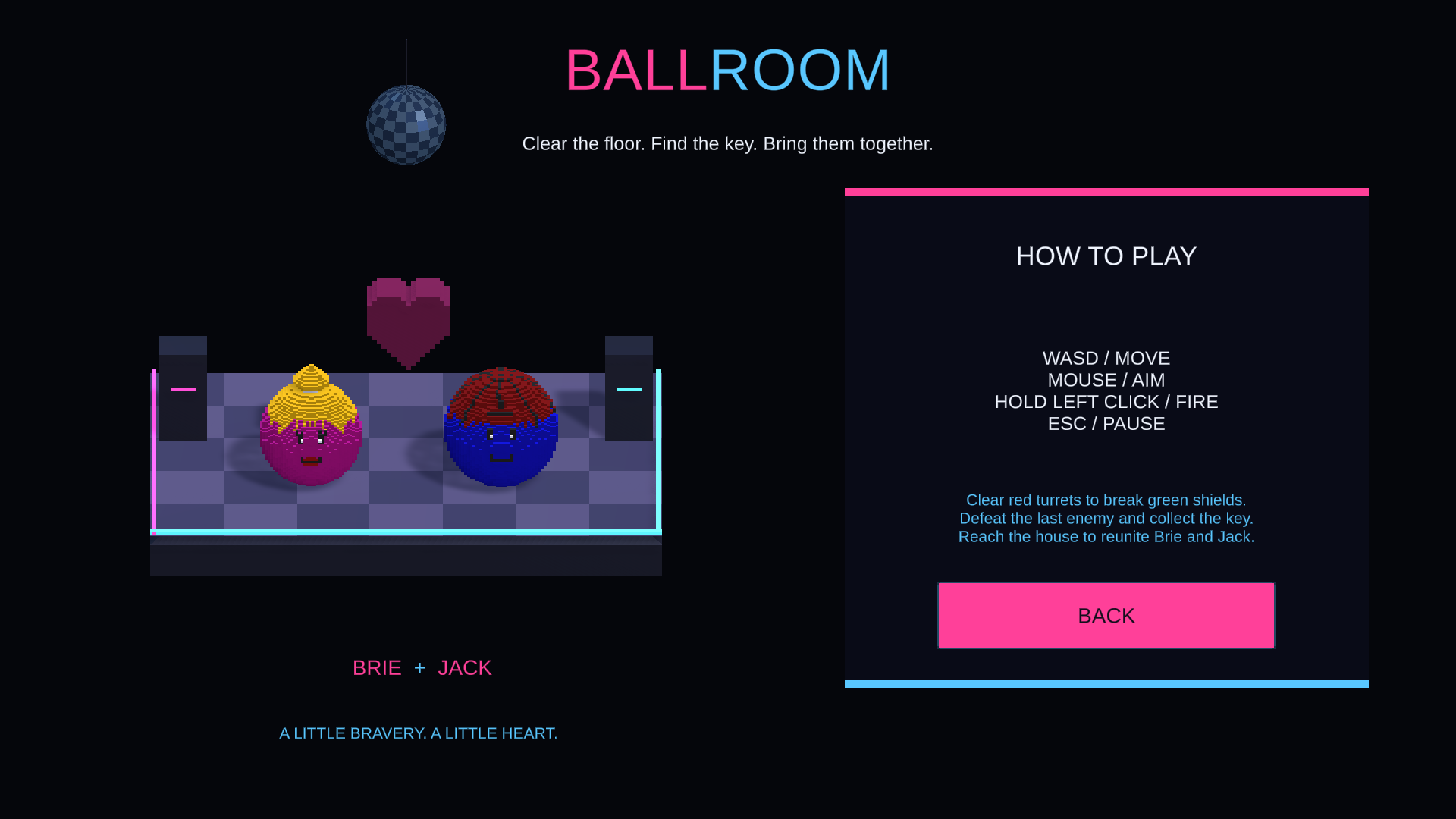
Ballroom is a three-level arena shooter built in Unity. Voxel characters Brie and Jack sit at the centre of a playful dance-floor setting, while the player fights through turrets and pursuing enemies to bring them back together.
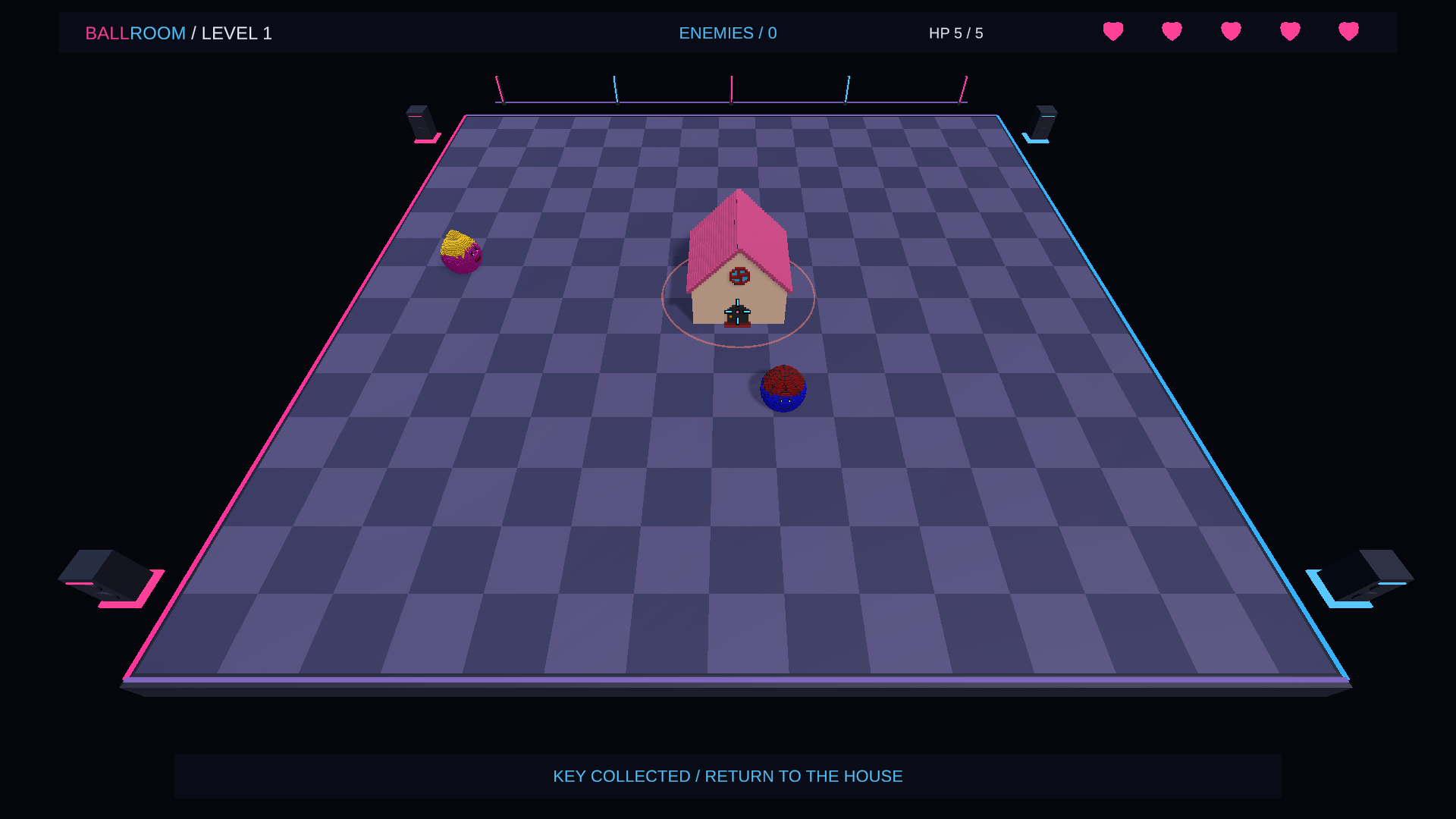
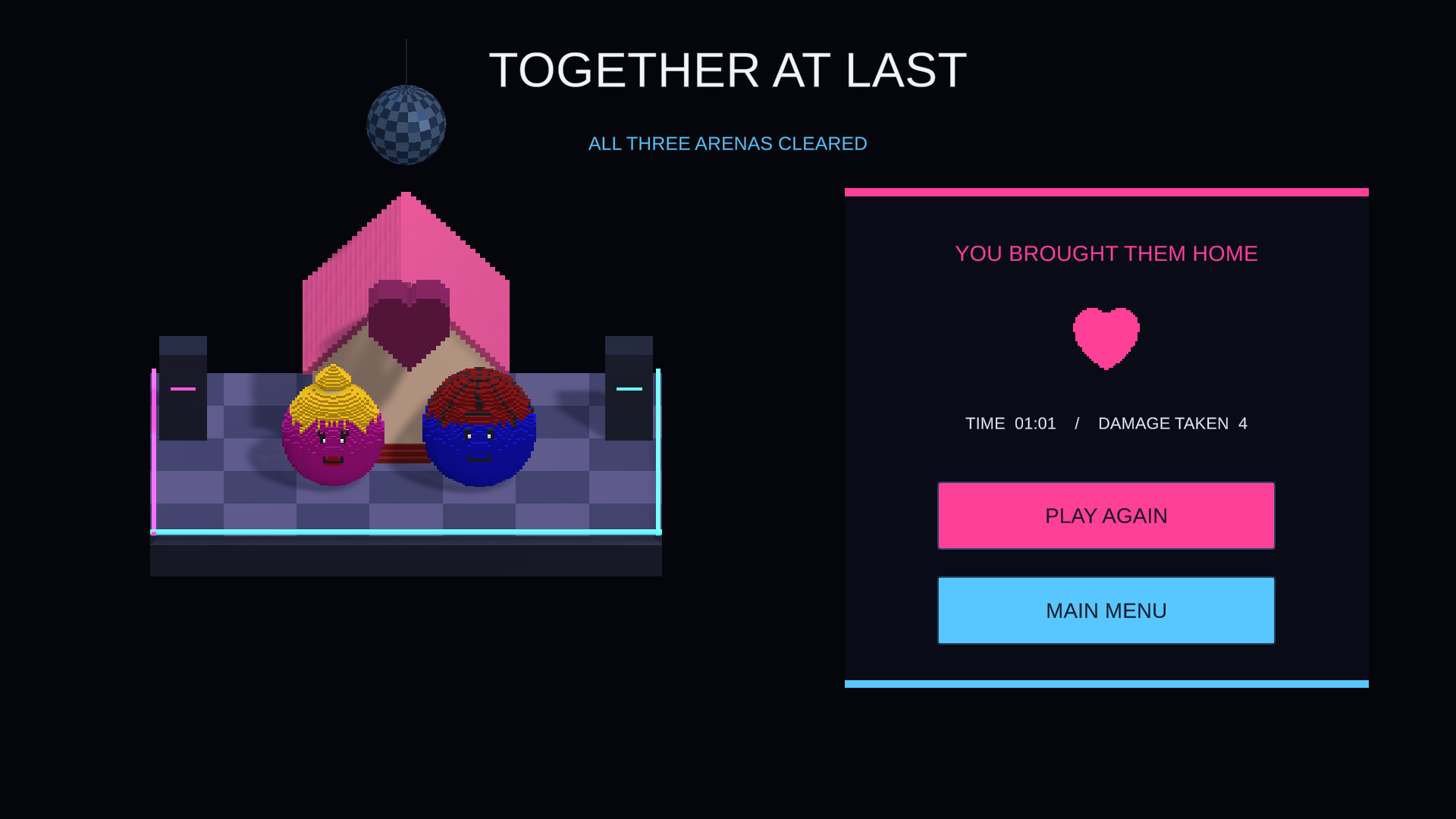
Each arena follows a combat-to-exploration loop: remove the turrets, defeat the chasers, collect the final enemy’s key, and reach the house to continue. Finishing the third level leads to their reunion.
Programming the game.
- Coded the entire project in Unity and C#.
- Implemented movement, mouse aiming, firing, projectile collisions, health, and damage.
- Built turret and chaser behaviour, shield rules, enemy tracking, key drops, and level progression.
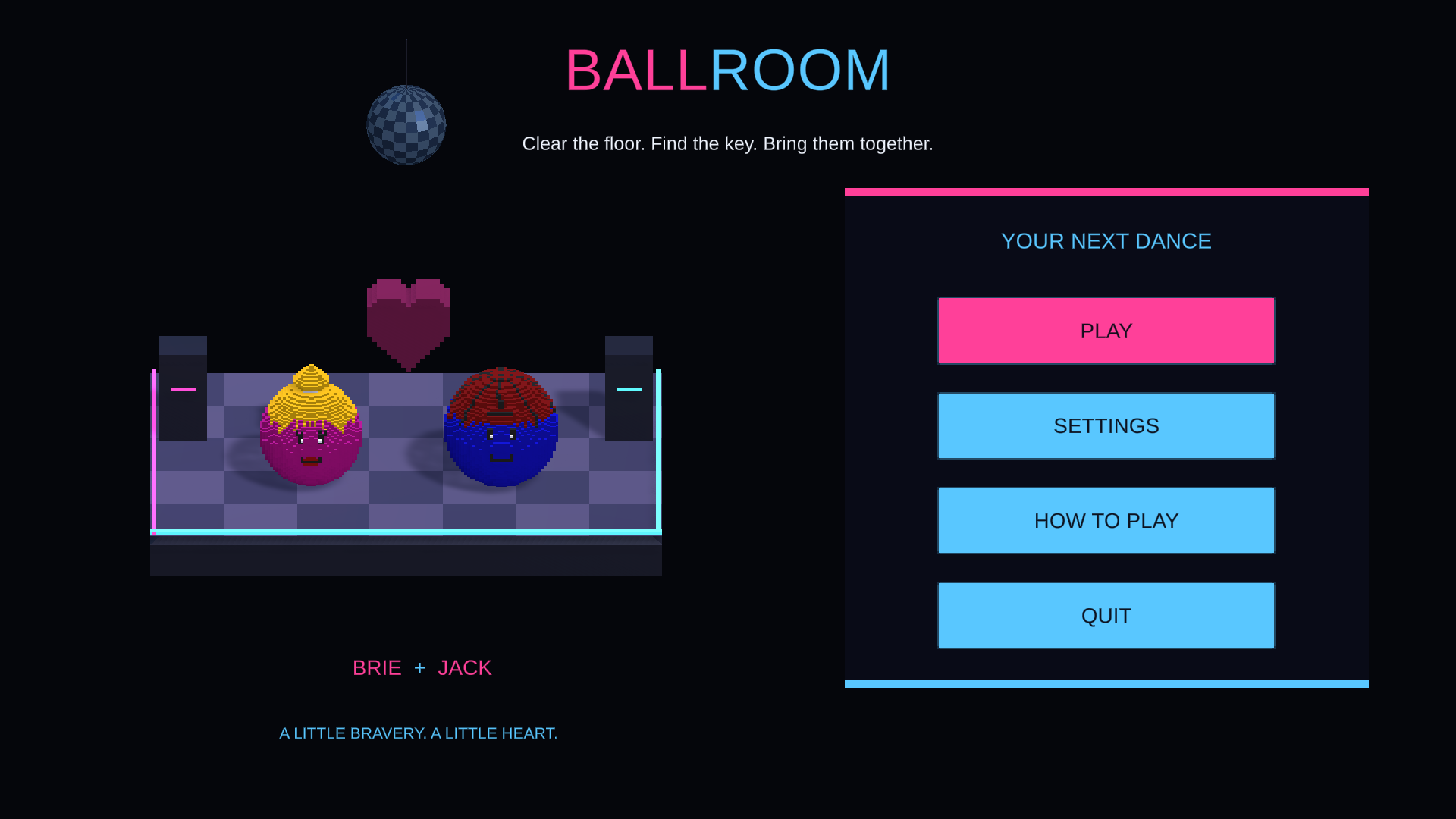
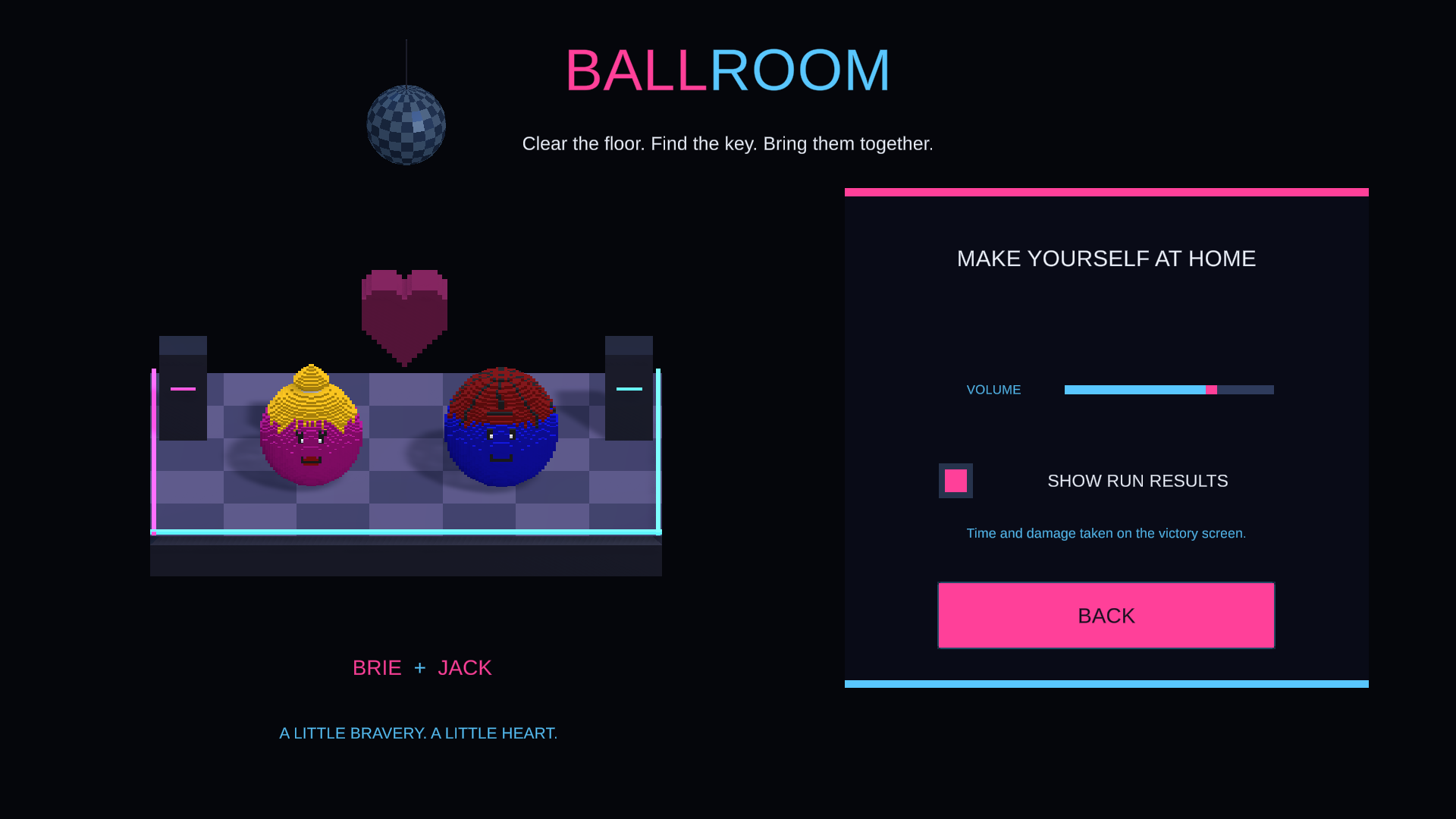
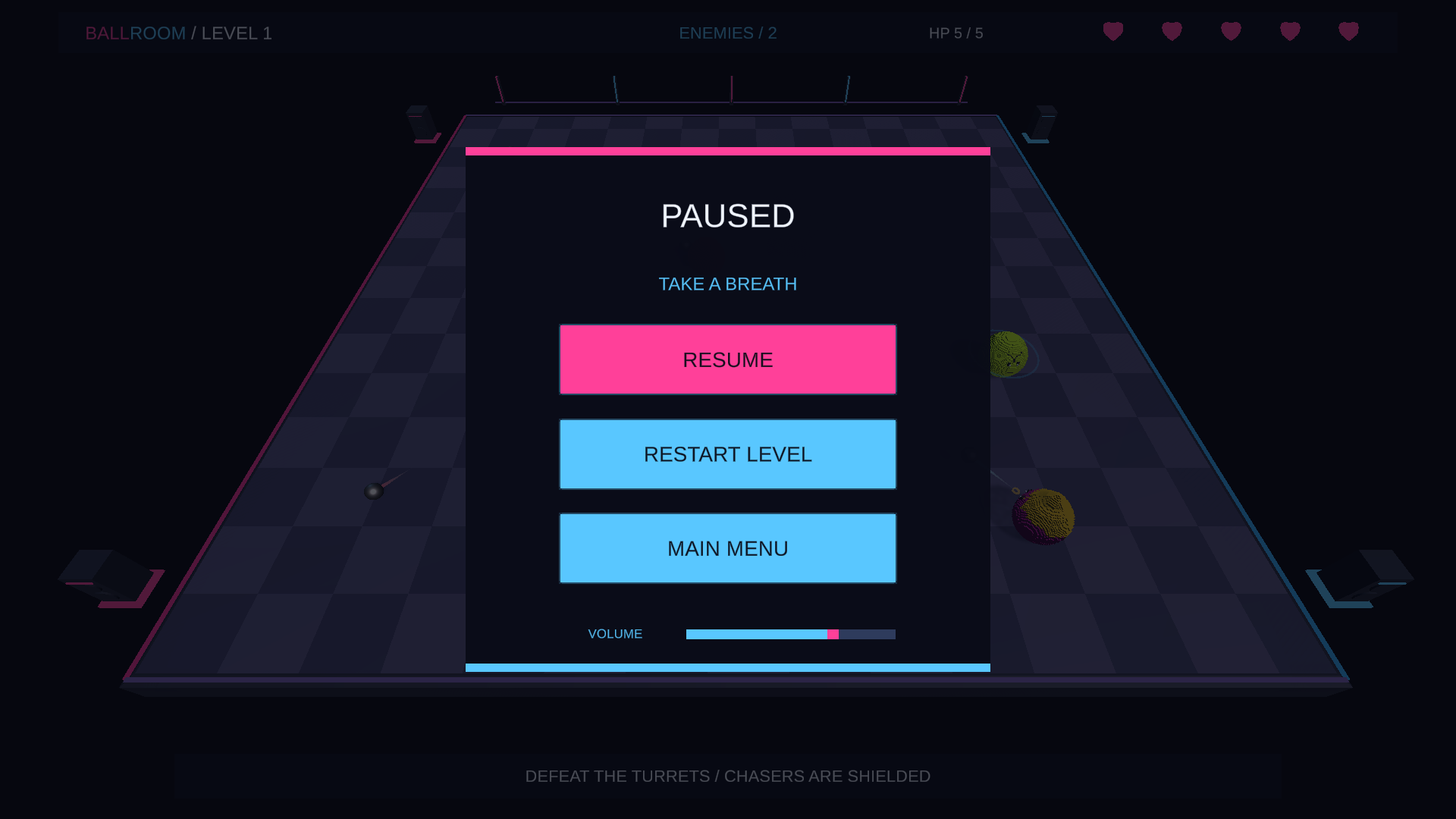
- Connected menus, pause, retry, persistent volume, and completion statistics to the gameplay flow.
Move, aim, and choose your targets.
WASD or the arrow keys move the player, the mouse controls aim, and holding left-click fires at a controlled rate. Movement and aiming work independently, allowing the player to dodge while keeping shots on target.
Turrets fire along fixed paths, while green chasers pursue the player. Chasers are protected until every turret is defeated, making target priority part of the encounter. The HUD shows remaining enemies, health, and the current objective.
Later arenas change enemy pressure and combat pacing. Clearing an arena produces one key; collecting it reveals the house, and entering the house advances the level. Escape pauses the game, with options to resume or restart.
Combat across three arenas
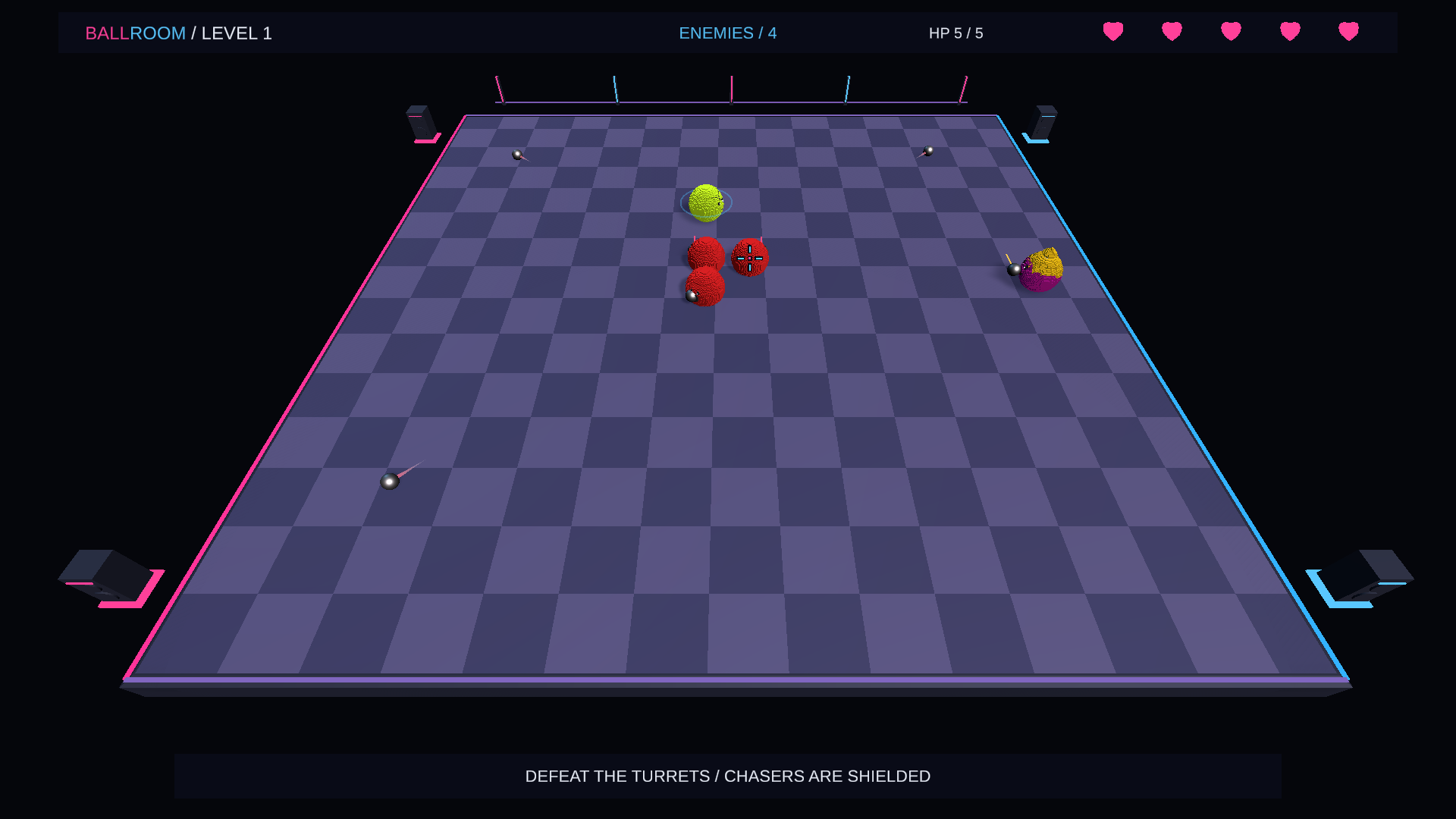
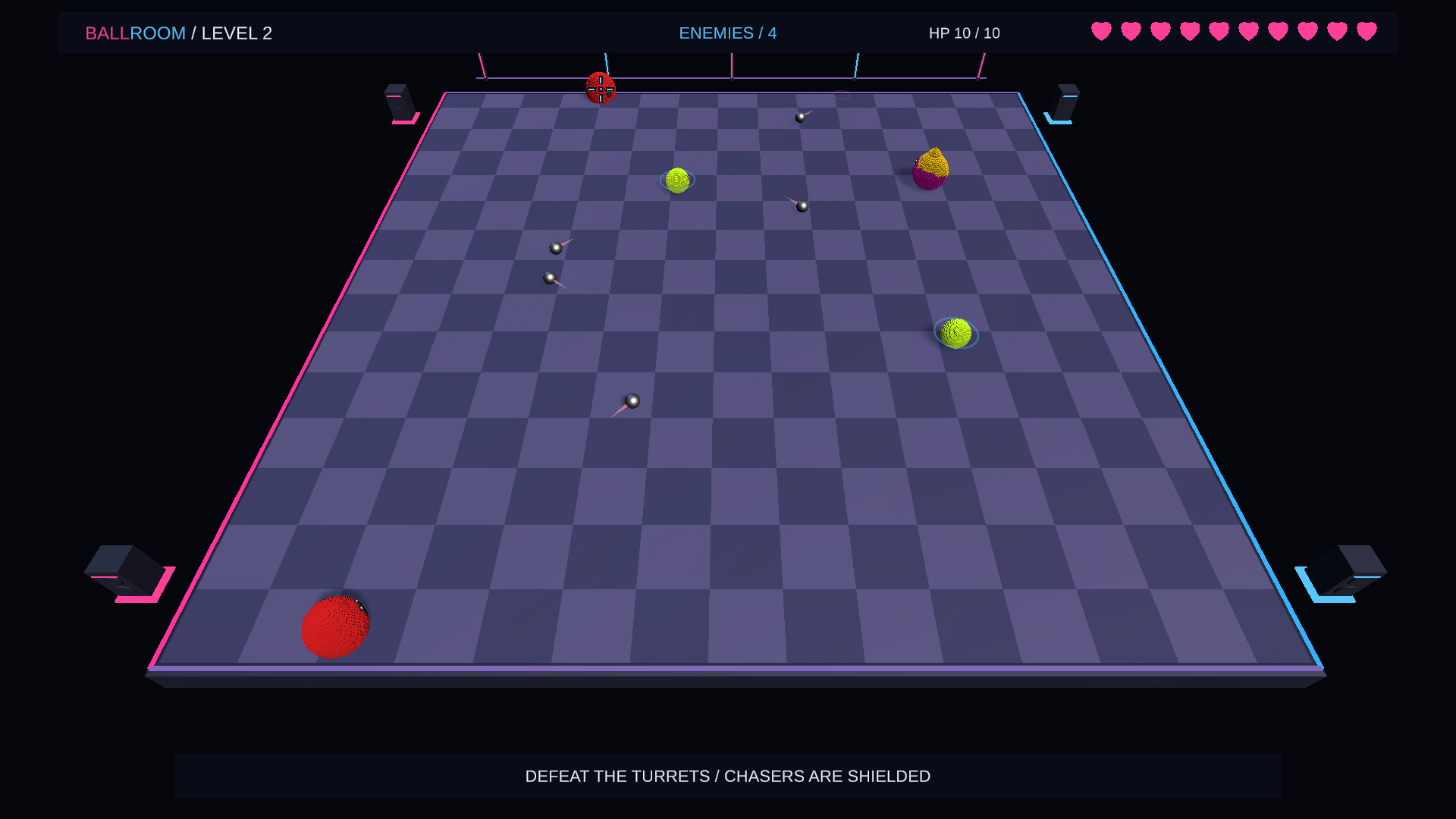
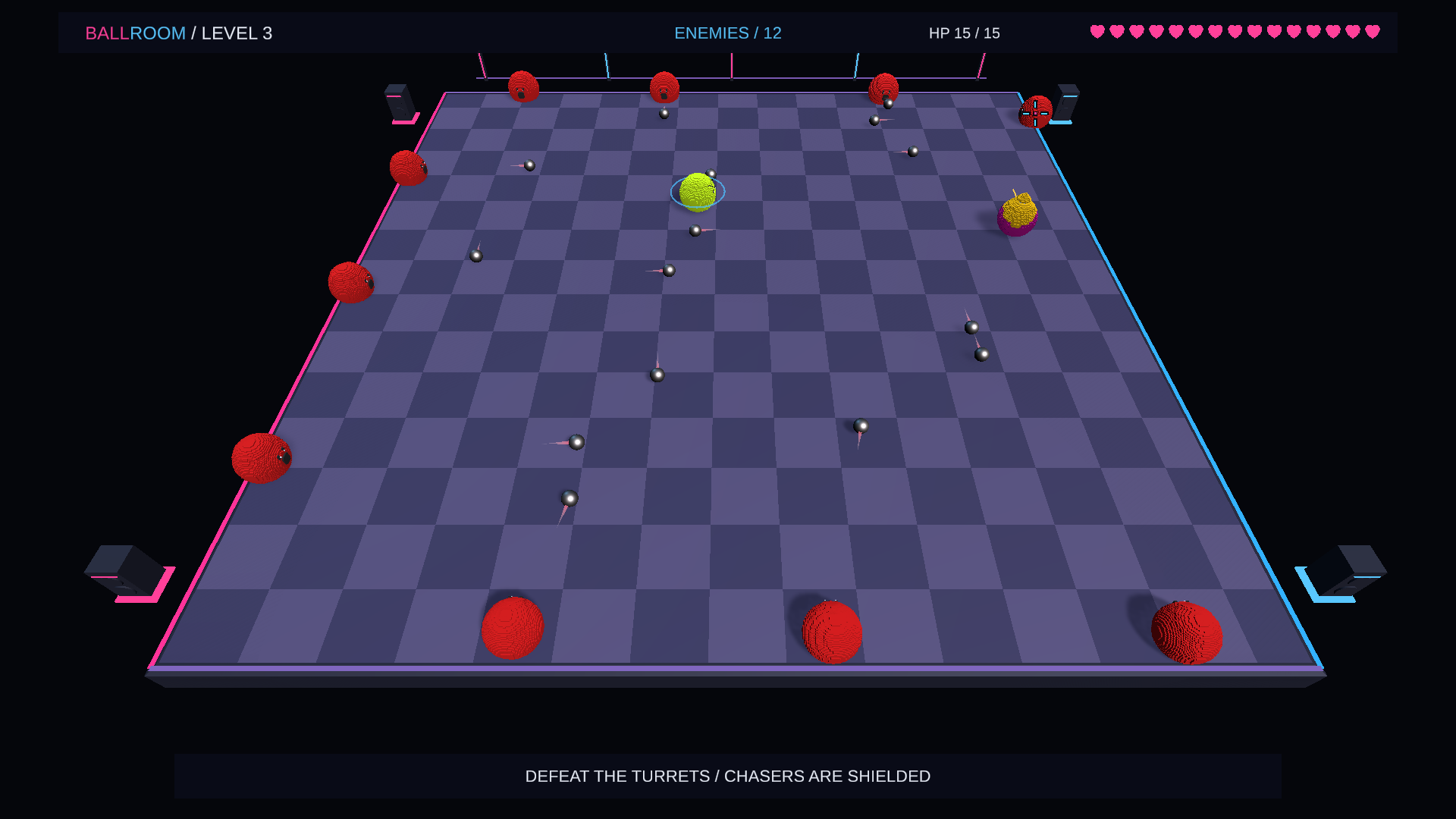
Programming the complete gameplay loop.
Player movement uses Rigidbody physics with consistent diagonal speed, while mouse aiming is calculated on a horizontal plane. Projectile firing is rate-limited and blocked when interacting with menus.
Projectiles use continuous collision detection and a swept collision check to support reliable hits at speed. Shooter collisions are ignored, and a projectile consumes its hit once. Enemy pursuit uses Unity’s NavMeshAgent navigation.
A shared game controller manages running, paused, defeated, and victory states. Enemy tracking controls chaser protection and a single key drop, keeping combat completion and level progression connected.
Run statistics record active gameplay time and actual health lost. Pause time is excluded, retries replace the current level’s results, and replay starts a fresh run. Volume settings persist between sessions.
Making progression clear and reliable.
Objective text, shield rings, an aim reticle, hit effects, and audio cues communicate what the player can do next. The key uses a visible beacon, and the house reveal leads into the level exit.
House activation handles a player standing inside its future footprint by moving them to a clear position before enabling the collider. Door entry waits for the reveal animation to finish.
These systems connect moment-to-moment controls, enemy AI, UI feedback, and scene transitions into a complete playable experience. The source repository provides the implementation for review.
From arena clear to reunion
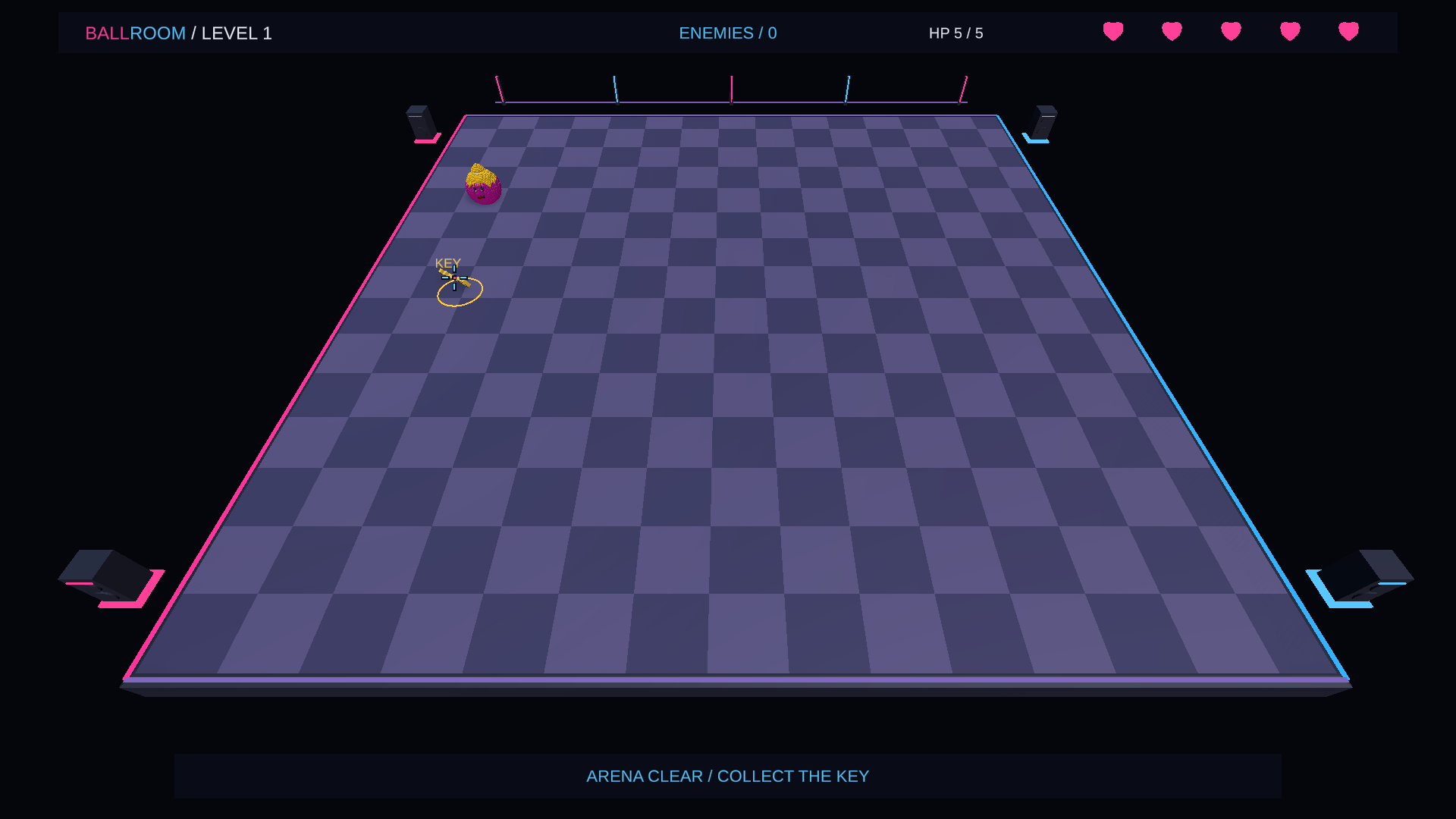
Menus, controls & player settings
Watch the full playthrough
Technologies & tools
Play the Windows build
Extract the entire TAR.XZ archive with a compatible tool, such as 7-Zip, then launch Ballroom.exe from the extracted game folder. Keep the data and runtime folders beside the executable.